
Checklists
Opening, line and closing lists your crew completes on the line, with photos, scores and one report across every store.
Every list completed. Every store visible.
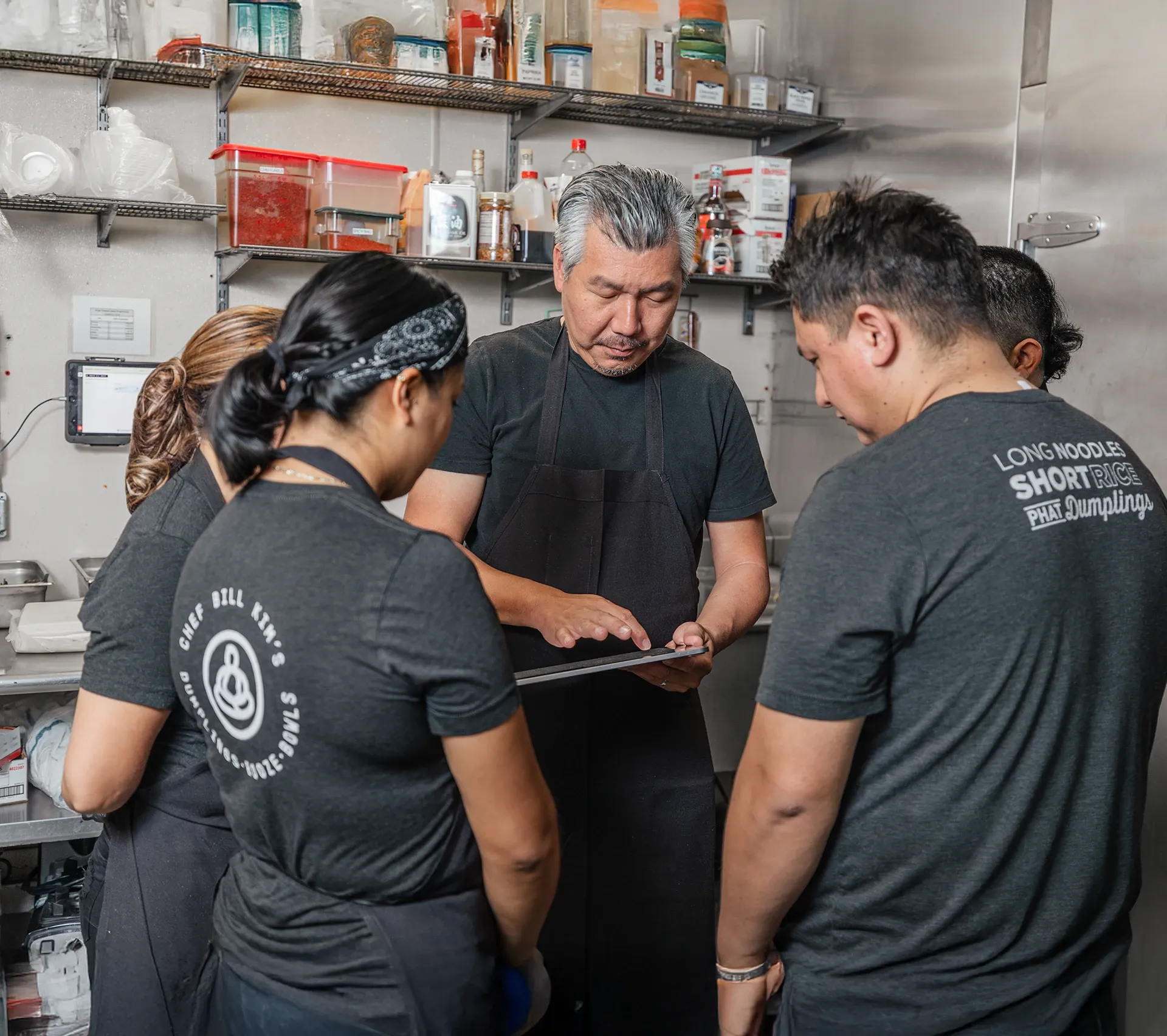
Checklists turns your opening, line and closing routines into guided lists the crew completes on the same tablet they run Prep and Production on. Photos prove the walk-in was closed right, every completed list is time-stamped, and every store's results land in one report, so the standard set at head office is the standard run on the line.
-
Proof, not pencil marks
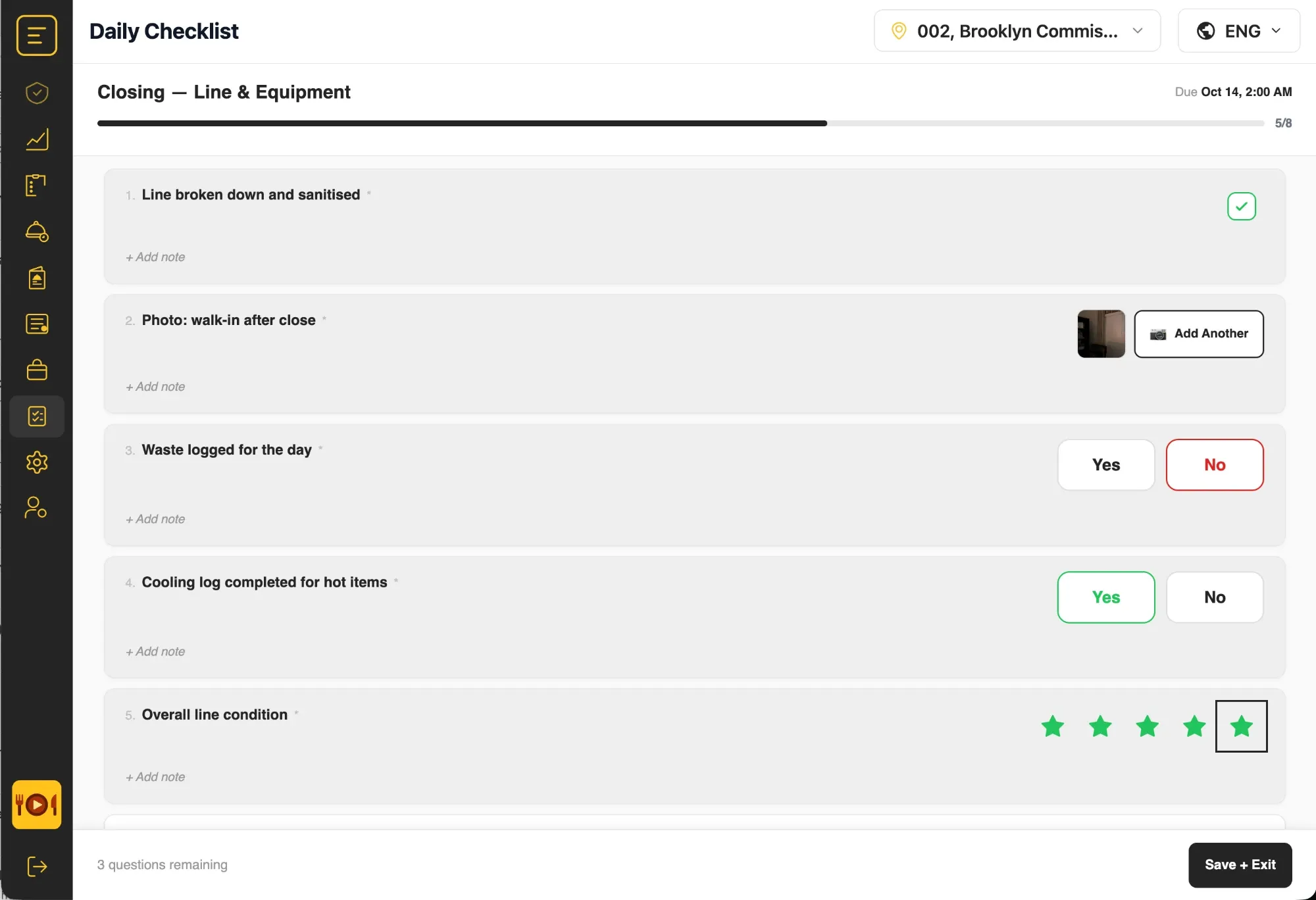
Photos, yes/no answers, ratings and notes are recorded with the list. Audit-ready without a binder.
-
Built for the line
Big targets, a due time, a progress bar and save-and-resume. Crews finish lists between orders, in their language.
-
One report across every store
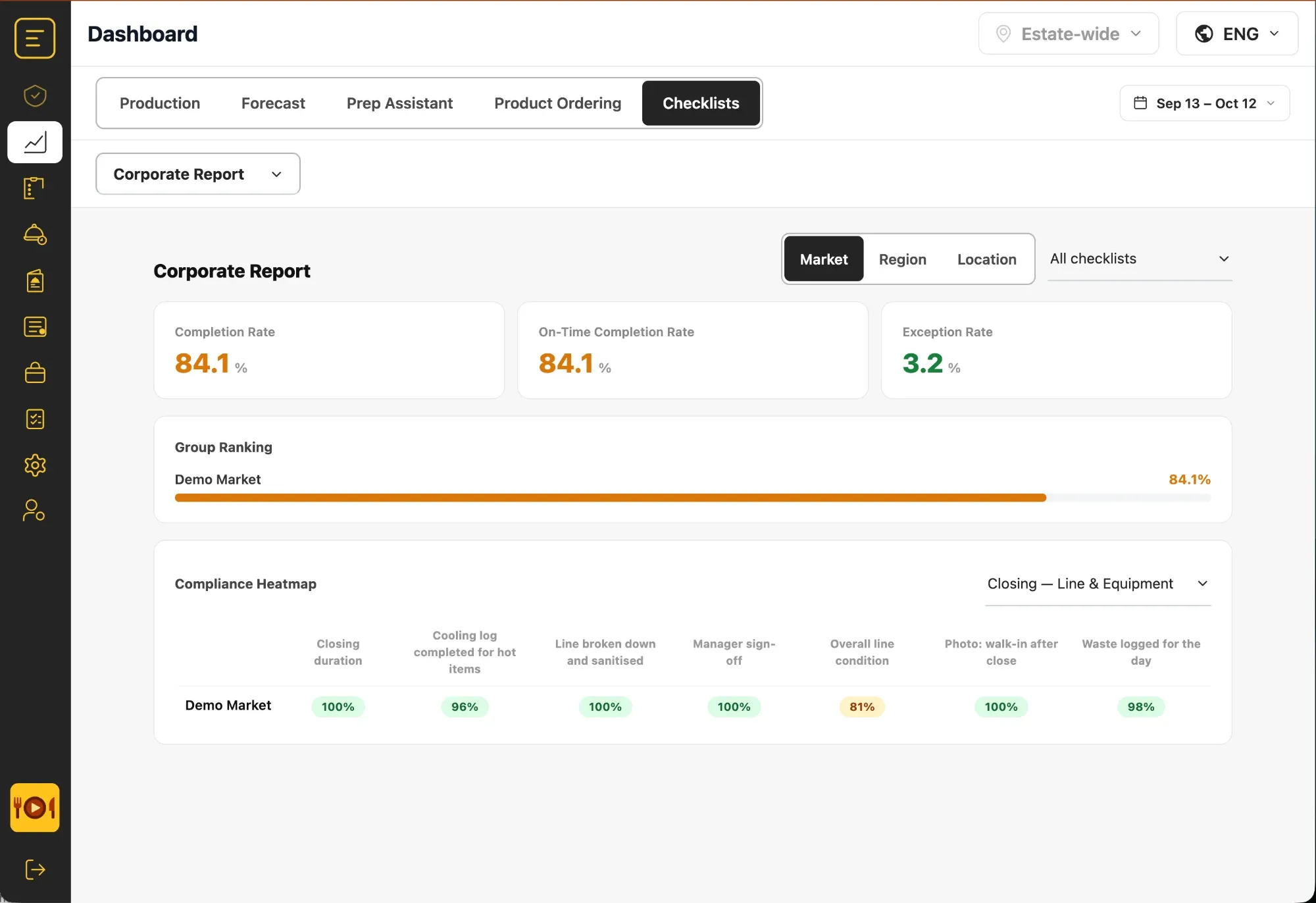
Completion, on-time and exception rates by market, region and store, with a heatmap that shows which step slips where.
From the standard to the store, and back.
-
Build the list
Checkbox, yes/no, photo, rating and temperature questions, with required items and notes.
-
Set the due time
Opening, line check or closing: give each list a due time, as your stores need it.
-
Complete on the line
The crew works through it on the kitchen tablet; progress saves as they go.
-
Review every store
Completion, on-time and exception rates roll up by market, region and location.
-
Fix the step that slips
The compliance heatmap shows which question fails in which store, and exceptions can send an email alert, so coaching lands where it is needed.
The report your district manager has been asking for.
Checklists is a tab in the same dashboard as Forecast, Prep, Production and Product Ordering. Pick a date range, a market, region or store, one list or all of them.
-
Completion, on-time and exception rates
Three numbers for the whole estate, or for any market, region or store.
-
Group ranking
Every market, region or location ranked by completion, so the gap is obvious.
-
Compliance heatmap
One row per group, one column per question: see which step slips in which store.
Lists operators run, by concept.
-
QSR
The same line check at every unit, every daypart.
- Line checks between dayparts
- Hold temperatures
- Closing breakdown and sanitising
-
Fast casual & makeline
A line that looks the same at open and at close.
- Opening line build
- Pan rotation
- Closing walk
-
Donut, coffee & bakery
Fresh cases, documented bake-offs and cooling.
- Case and display checks
- Bake-off
- Cooling logs
-
C-store foodservice
Hot food held right, around the clock.
- Hot-hold temperatures
- Roller-grill temperatures
- Foodservice closing
Questions about Checklists.
What question types can a checklist include?
Checkbox, yes/no, photo (one or several per question), a one-to-five-star rating and temperature. Any question can carry a note, and any question can be marked required.
Can crews complete lists on the same tablet as Prep?
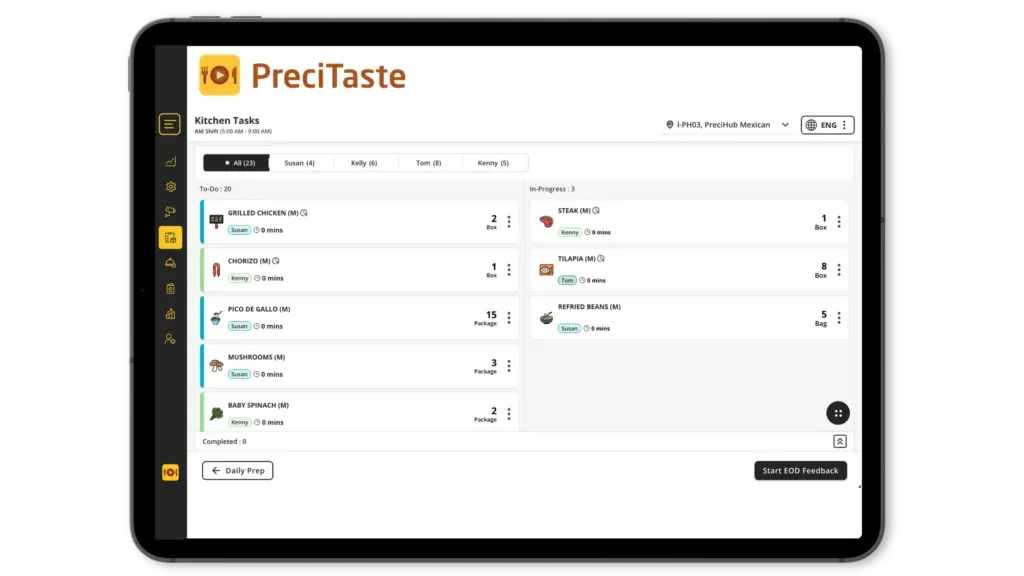
Yes. Checklists runs in the same PreciTaste app as Prep and Production, on the same kitchen tablet. There is no second app for the crew to learn.
What does the Corporate Report show?
Completion rate, on-time completion rate and exception rate for a date range you choose, grouped by market, region or location, for one list or all lists. A group ranking and a compliance heatmap show which question slips in which store.
Does it help with health inspections?
Yes. Completed lists are records of what was checked and when, and they can be exported with their photos. Temperature questions cover the hold and cooling checks inspectors ask about (FDA Food Code: cold food at 41 °F or below, hot food at 135 °F or above).
Is it available in other languages?
Yes. Lists run in the crew's language, and any language can be added.
Does it work for c-stores, bakeries and donut shops?
Yes. You build the lists, so they fit any concept: hot-hold checks in a c-store, cooling logs in a bakery, case checks in a donut shop, line checks in a QSR.
Integrated tools.
Modules automatically integrated into the solution.
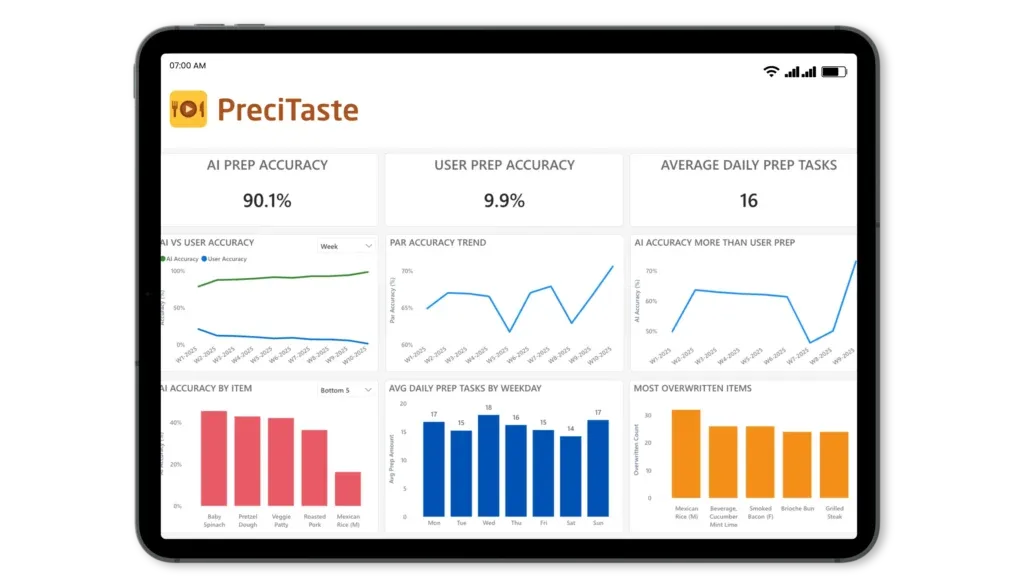
Complementary tools
Modules that can be added to the solution for enhanced optimization.
Run every store like your best one.
See how Checklists, Prep and Production run on one tablet.